 DiPlayLegacy Android compatibility edition (Android 4.4+)
Your iPhone.
CarPlay for legacy Android head units.
DiPlay Legacy brings wired and wireless CarPlay to older Android head units (Android 4.4 KitKat / API 19+), with native multi-architecture support (ARMv7, x86, ARM64).
No jailbreak, dongle, account or authentication server required.
Install on the car head unit. Supports Android 4.4 (API 19) and above. Wired USB is recommended on legacy head units (optimized for Allwinner T3, MediaTek, Nissan, and low-end GPUs).
Focused on compatibility with older Android head units (Allwinner T3, MediaTek MT3561, Rockchip, Qualcomm, Intel x86) across various car models.
A familiar drive
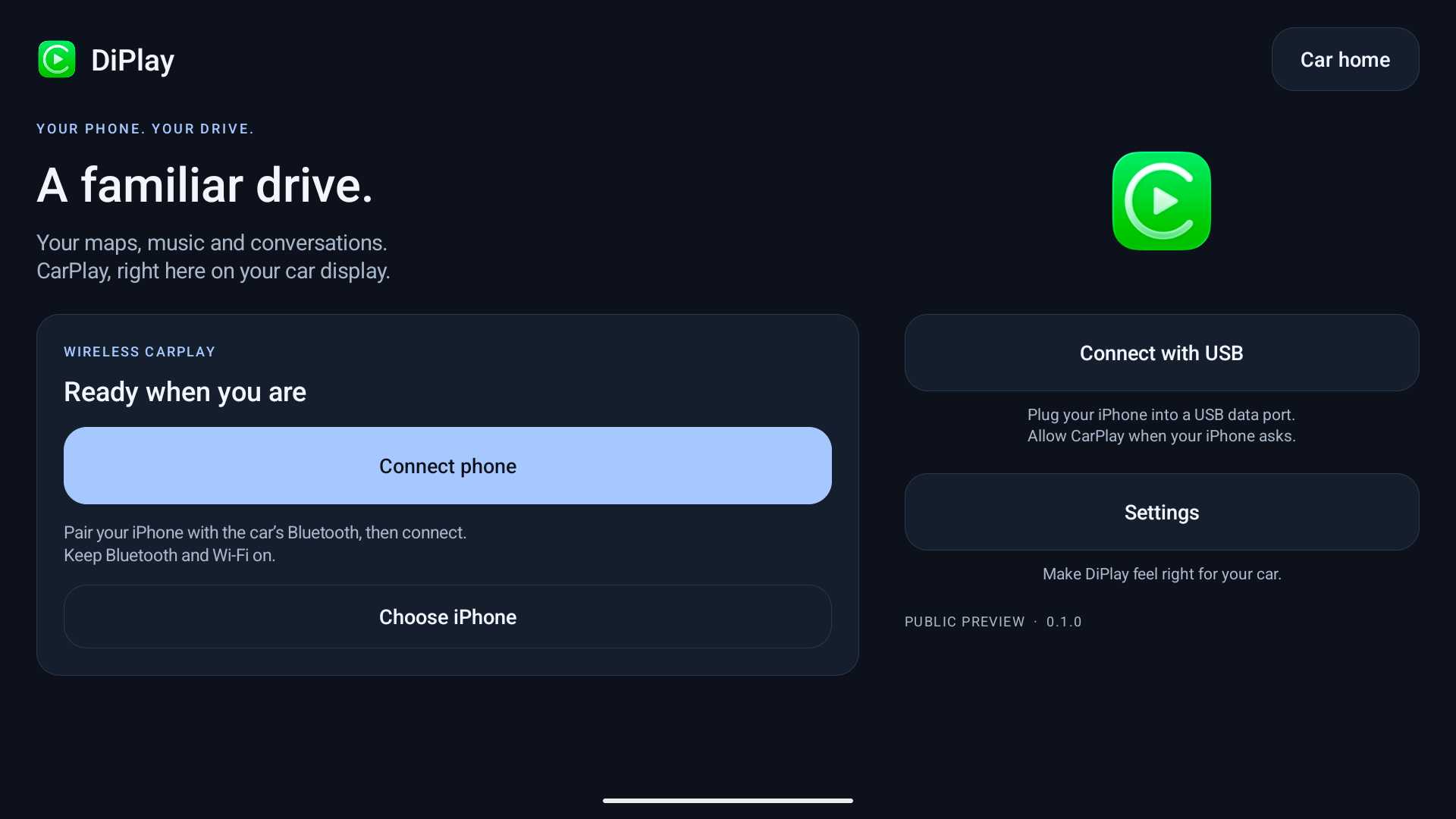
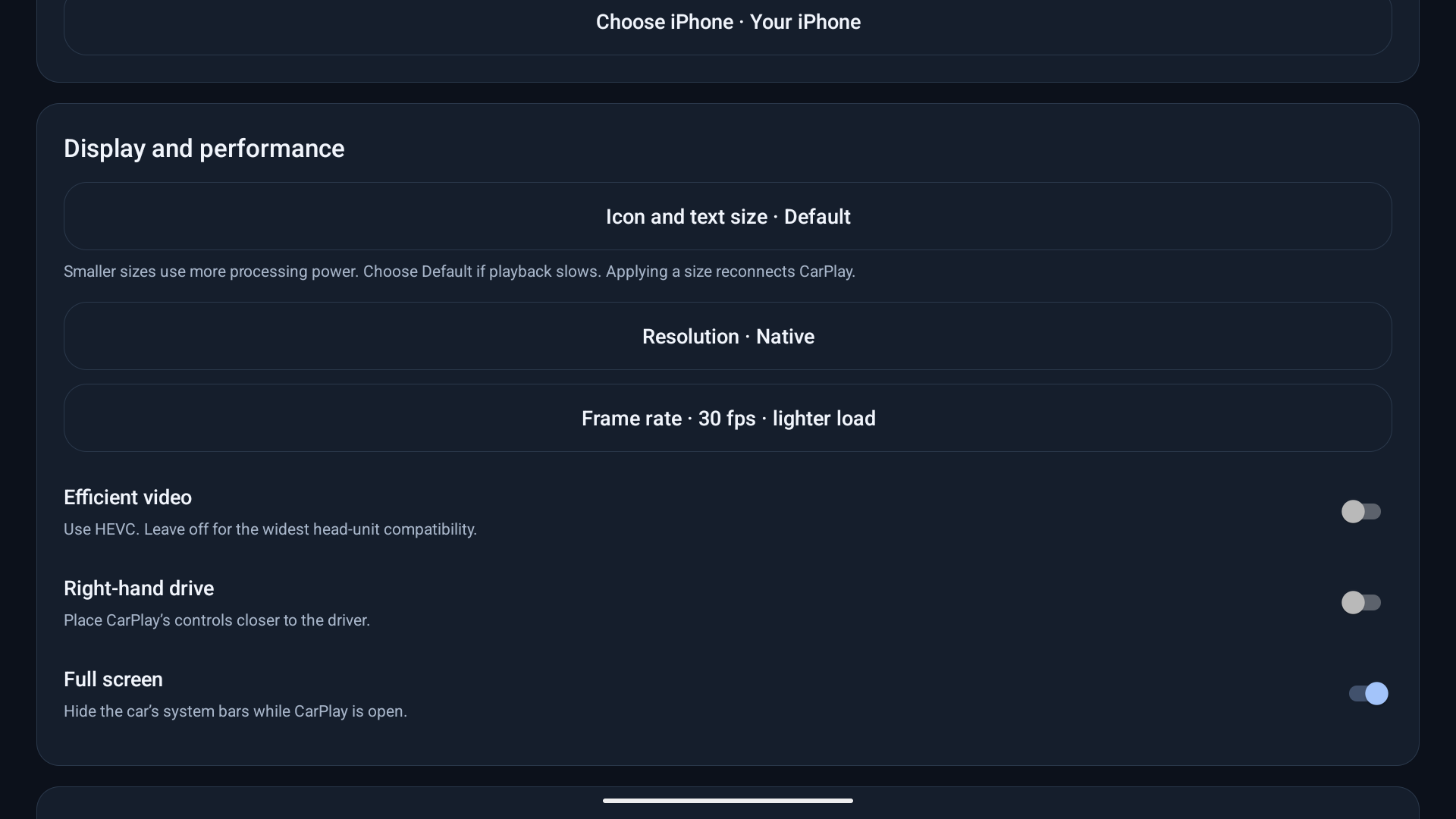
Install on your car
- While parked, download the APK and install it using the method supported by your head unit.
- Open DiPlay and allow the requested Bluetooth, Wi-Fi/location and microphone permissions.
- Turn on the car’s built-in hotspot (5 GHz if available). In Settings → Connection → Open connection setup, select Built-in car hotspot and save its exact name and password. Keep phone Wi-Fi and Bluetooth on, pair with the car, then tap Connect phone and accept the phone prompts.
- For wired use, connect a USB data cable and choose Connect with USB. Approve any USB, Trust or local VPN prompts.
ADB is not required for everyday use. APK installation options depend on the car. No manual MAC address entry.
Installation & connection help ↗New in v0.2.23
- Fix Nissan X-Trail USB permission polling crashes with robust exception guards.
- Introduce Direct SurfaceView hardware layer rendering (enabled by default on Android <= 6.0) for zero-copy video output and smooth playback on budget GPUs like Mali-T720 / Mali-400.
- Low-level C USB driver detach mechanism to resolve iPhone USB configuration is busy (errno 16).
- Shared single file descriptor for Allwinner T3 chipsets and 16 KiB URB batching for Android < 9.
- Bundled offline MFi authentication assets for standalone operation without remote servers.
- Dual v1 (JAR) + v2 (APK Signature Scheme) signing to fix package parsing errors on Android 4.4 / 6.0.
- Multi-architecture native binaries for armeabi-v7a (32-bit ARM), x86 (32-bit Intel), arm64-v8a, and x86_64.
Before you try it
Refactored and maintained for legacy head units. Because the signing key differs from upstream, completely uninstall any previous DiPlay installation before installing this release.
Get release updates
News and new builds on Telegram.
Updates & signing
Signed with v1+v2 schemes for legacy Android compatibility. Future updates can be installed over this version.
Issue Reports & Diagnostics
If you encounter issues, save a diagnostic report in Settings → Diagnostics and file an issue on GitHub: https://github.com/programmerguohuajing/DiPlay-Legacy-Android/issues
Report an issue ↗ · Create a new issue ↗